Share a hand with one link
Won a monster pot, or want to show the crew a bad beat? Share copies a link to that one hand — anyone can open it, and they don't need a PXF account to see it.
Open the hand, click Share
In the replayer, step to the hand you want to send, then hit Share in the action bar. There's no confirmation dialog — clicking it copies the link straight to your clipboard.

Paste it anywhere
Text it, drop it in Discord, email it — the link works on its own, for anyone who has it. The person opening it doesn't sign in, doesn't need PXF Pro, and doesn't touch the rest of your account.
What your friend sees
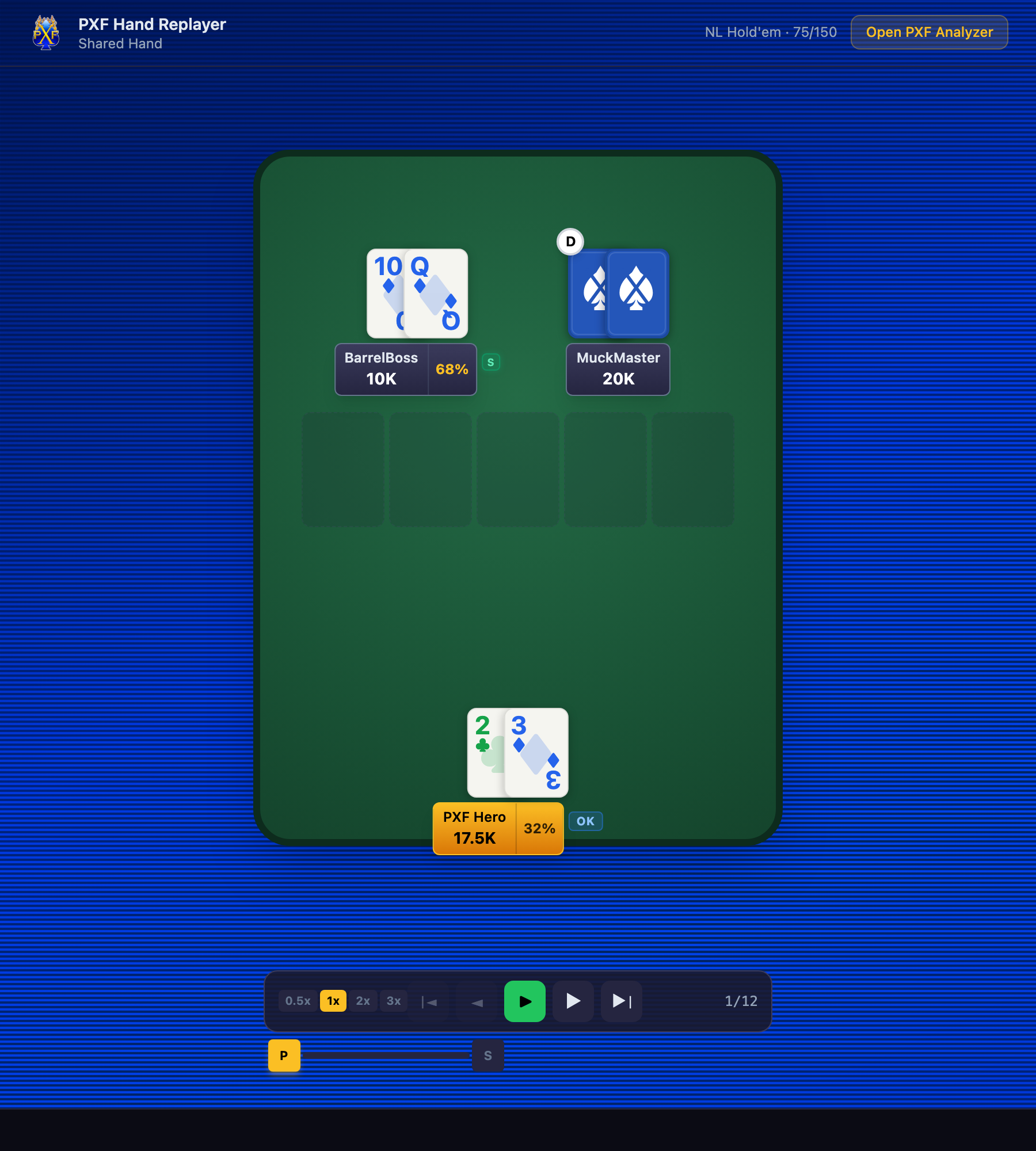
Just that one hand, on a real poker table, with the same playback controls you have — no dashboard, no other sessions, no personal info beyond what happened in that hand. An "Open PXF Analyzer" button invites them to try it themselves.
A few things to know
- ·Only the ONE hand is shared — not your session, not your dashboard, not your other hands. Sharing a bad beat doesn't hand anyone your whole history.
- ·Share is different from Quiz crew. Quiz crew (the gold vote button, when you see it) turns a hand into a guess-the-action poll for your group — Share just shows the hand as it happened. If you don't see Quiz crew, that's expected — it's a separate feature.
- ·Folded hole cards stay hidden unless they were shown at showdown in the real hand — Share doesn't reveal anything the table didn't already see.
Last updated July 1, 2026